
New
v3.37.0 — Automatic due dates from Shopify fulfillment deadlines
 By Davide - Kanbanify Founder
Keep your Orders board aligned with Shopify’s fulfillment deadlines. Turn on Automate due dates from fulfillment deadlines in Orders board Settings and grant the requested Shopify permission.
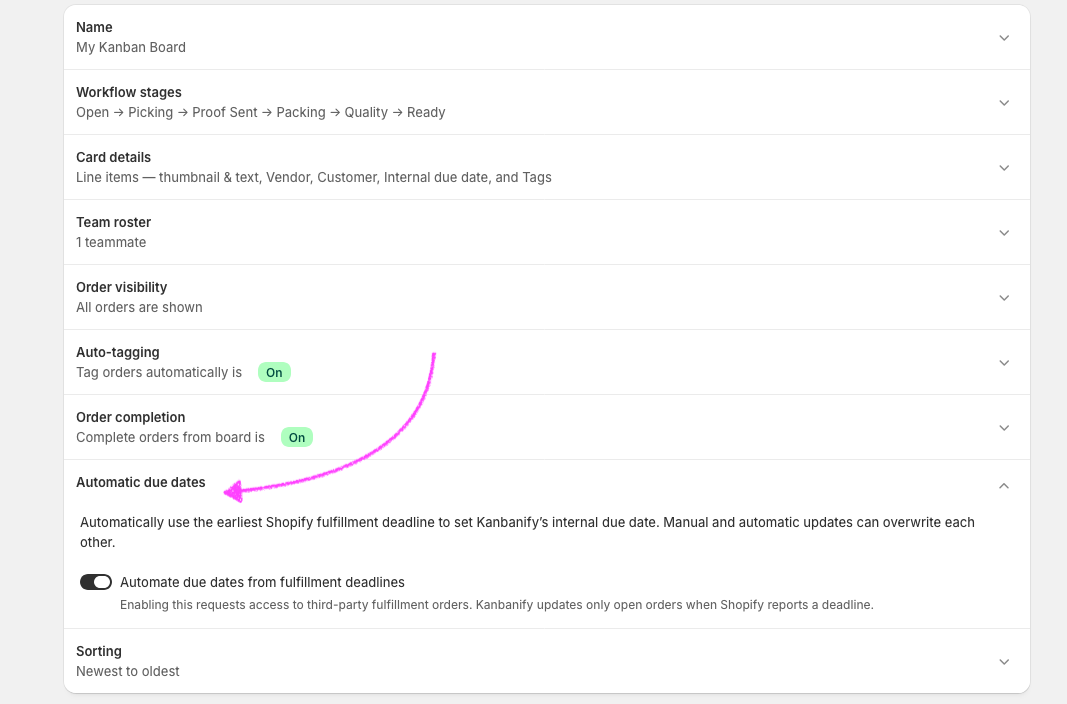
When a fulfillment deadline changes for an open order, Kanbanify uses the earliest deadline as that order’s internal due date, so your team can spot upcoming work on the board. You can still edit due dates manually; the most recent manual or automatic update takes precedence.
Do not forget to visualize the internal due dates in each Kanbanify card by enabling it in the Card details section of Settings.